The WIKAMP platform has implemented a module enabling the display and download of individual QR codes for students. As of October 1, 2025, the individual QR code is the primary identifier for the TUL Library users. A valid student ID is required to use the QR code.
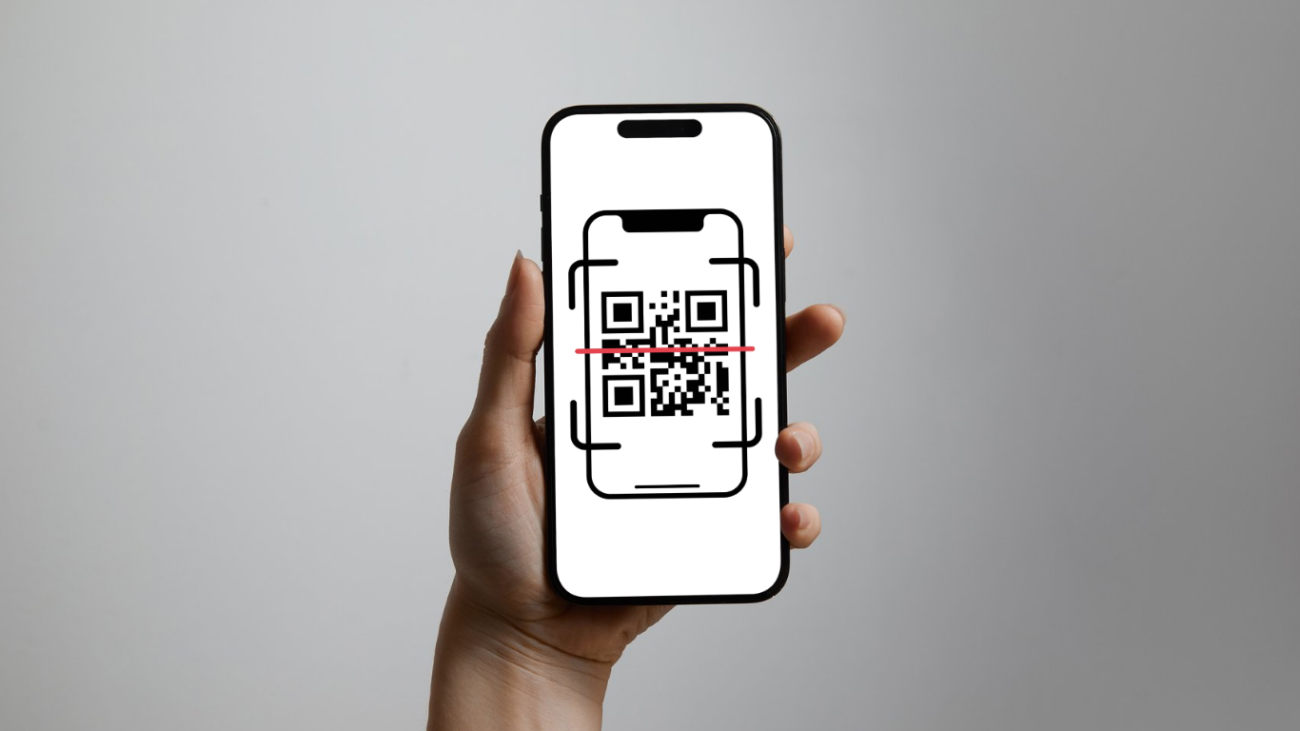
After logging in to the WIKAMP platform, go to your user profile, where you can download a QR code in PDF or PNG format.
For students beginning their studies in the 2025/2026 academic year, the QR code is the default and only form of identification in the library system. Students continuing their studies at Lodz University of Technology who hold an Electronic Student ID (ELS) will be able to use the Library using it until September 30, 2026. However, it is possible to change this form of identification to a QR code by submitting the appropriate request in person at the Main Library Lending Department.